Skip to main content
Google Workspace Integration: View Session Information
View Session Information
-
Log in to your Gmail account.
-
Click the MAXIMIZER CRM icon in the right-side pane to open the MAXIMIZER CRM Add-on dialog box.
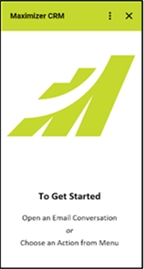
- Click the vertical ellipsis menu in the top-right corner.
-
Click Session Info. The session information is displayed in the MAXIMIZER CRM Add-on dialog box.
