Skip to main content
Calculate the return on investment for a Campaign
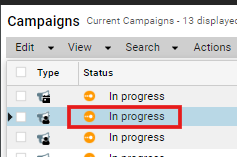
- In the Campaign's page; click on the Campaign's name to open it.
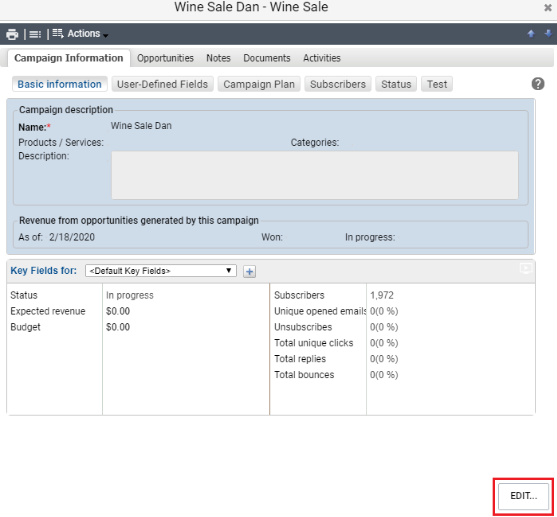
- Under Revenue from opportunities generated by this campaign; select the date from which you want to calculate the revenue.
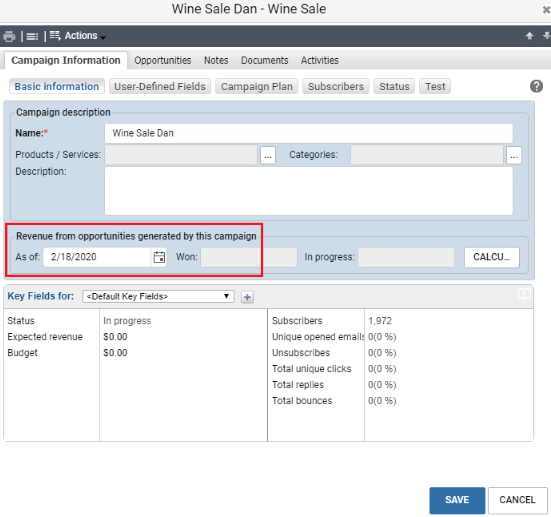
- By default; the creation date of the campaign is selected, but you can select another date to narrow the date range.
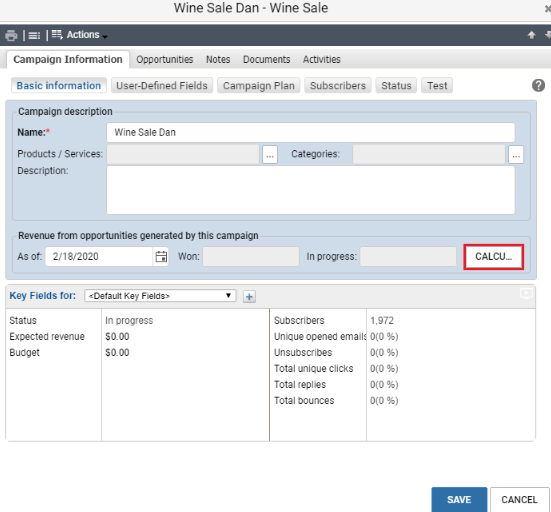
- The Won field displays the total revenue of the opportunities that are won.
- The In Progress field displays the total revenue of the opportunities that are still in progress.
